
01 · First steps
Choose a fighter, then let the strip work.
Start and control the game
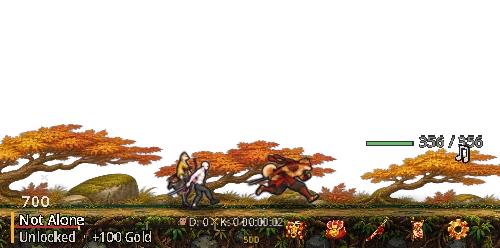
- Choose one starter fighter. The first squad starts with three fighters and can grow to four.
- Drag the battle strip to move it. Resize it from the edge; management windows can also be moved and resized.
- Open System for sound, performance, front-window behaviour, language and display controls.
- Use Menu → Report a Bug. The form adds build and game-state information and can attach a screenshot.
- When an update appears, choose Update now. If the automatic update cannot finish, use Download from website and run Setup once.
02 · Combat
Five leagues, eight waves, then a boss.
Progress and defeat
Wood, Iron, Silver, Gold and Master League each contain eight regular waves and one boss stage. On the first defeat at a stage, the party returns two waves; later defeats at the same stage return one wave. Gold and unassigned loot earned during that failed attempt are lost, while permanent upgrades remain.
Lives and revive
Each fighter has five lives. A fall can remove one life only once every 45 minutes. At zero lives the fighter is out. Home and Skills show the revive action. Revive restores health and lives.
Revive price ladder
The current league income sets the base. The base is at least 3,000 gold and equals 300 foes of the best reached league; Silver and above add 30%. Each use multiplies the price by 1.495, capped after four increases. Home shows all five current prices.
Mend, Ki and danger
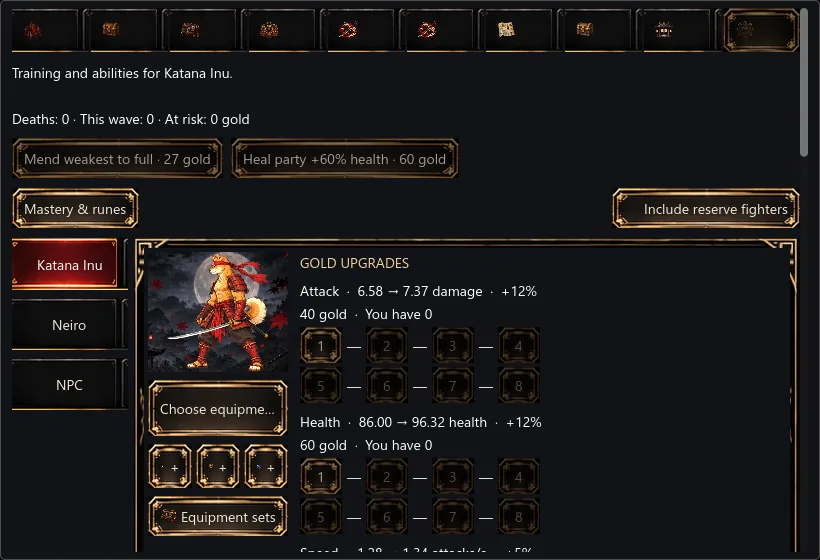
Mend weakest fully heals the standing fighter missing the most HP for 45% of the group-heal price. Heal party restores 60% of maximum HP to every hurt standing fighter. Landed hits fill Ki; at full charge the next release uses the best available Power skill. The danger warning appears when projected damage threatens the party.
The game simulates up to eight hours away at 50% efficiency. Offline catch-up does not consume fighter lives. Online features such as rankings and bosses still need a connection.
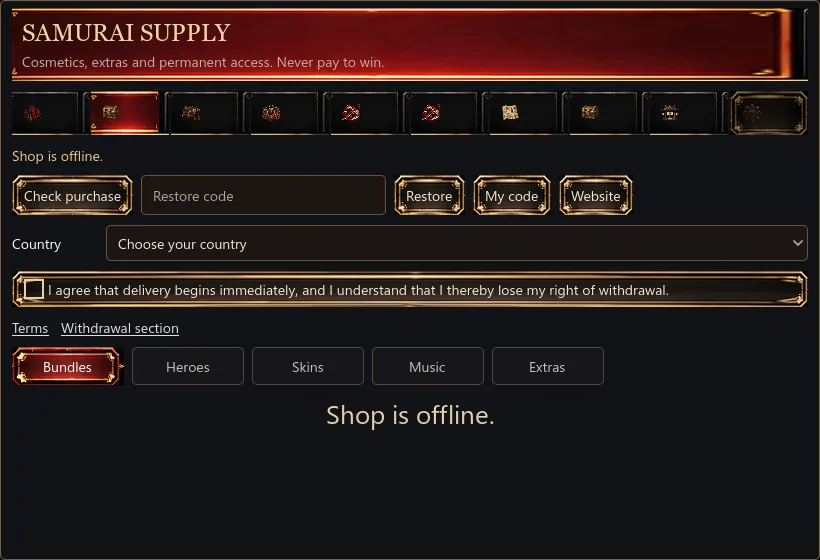
03 · Home and Shop
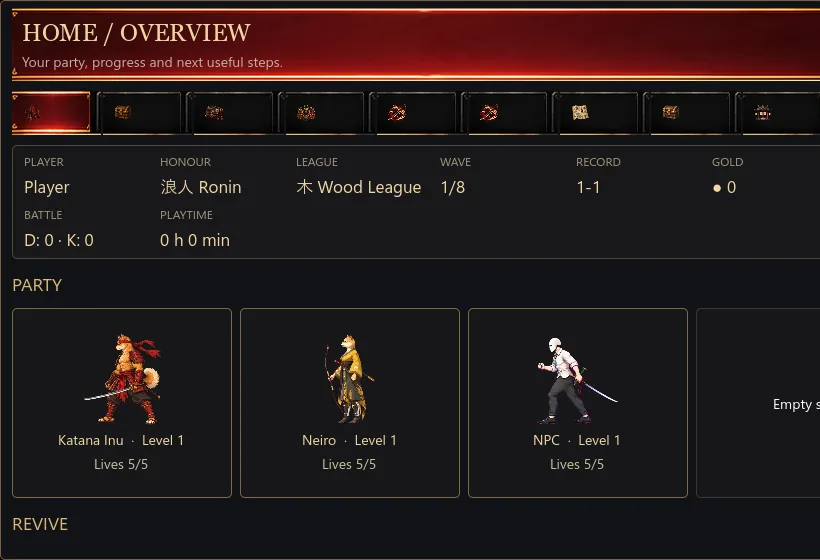
Your overview and optional content.
04 · Inventory
Compare first. Protect what you keep.
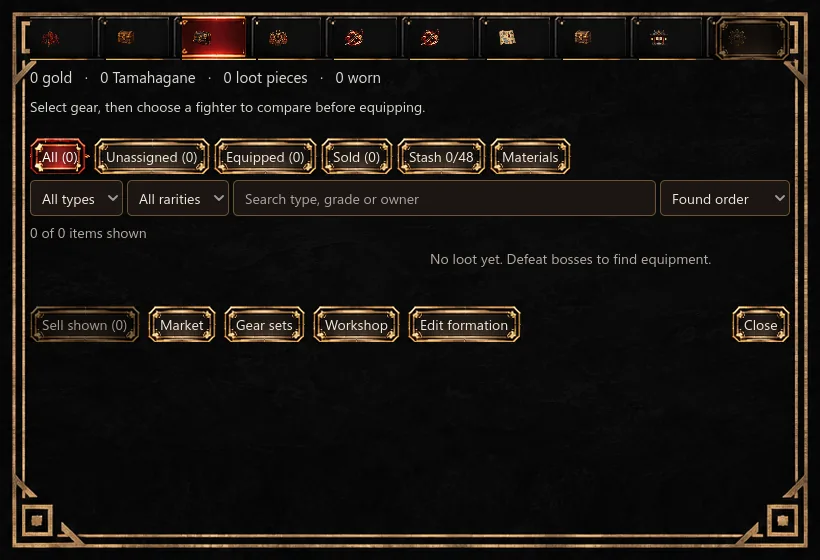
- Filter by availability, rarity and type; search by type, grade or owner; sort the visible list.
- Each fighter can carry one Blade, one Guard and one Charm. Choose a fighter to compare the exact result before equipping.
- Lock prevents selling, storing, salvaging, converting and reforging until you unlock the piece.
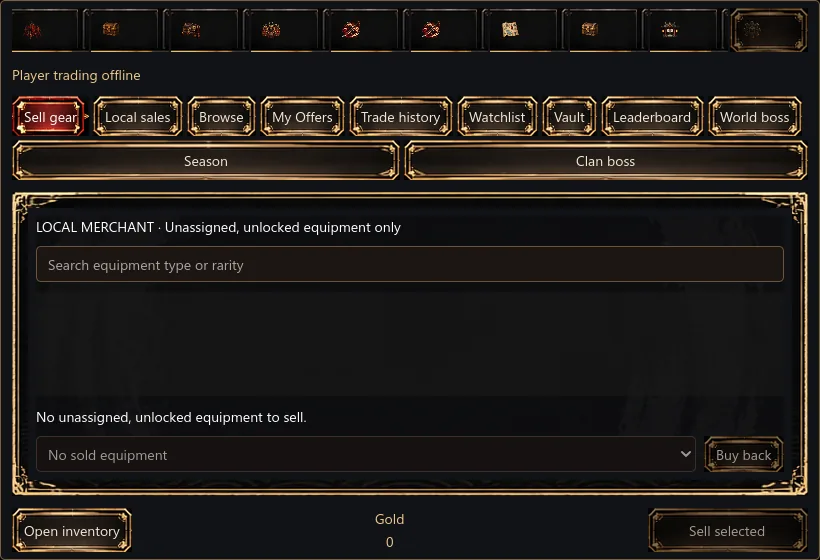
- Sell shown sells only filtered, unassigned, unlocked items. Equipped, protected and hidden items stay.
- Sold keeps the last 20 sales. Buy back an item for its sale price.
- Stash stores inactive pieces. They give no bonus and cannot be equipped until returned. Materials shows global equipment tiers and Harmony.
05 · Heroes, formation and Skills
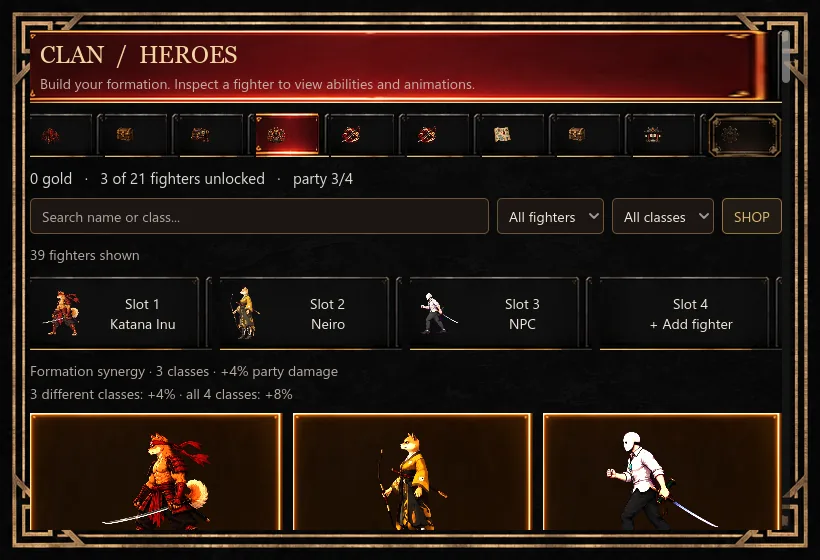
Build a four-fighter formation.
06 · Runes and progression
Spend earned points on lasting branches.
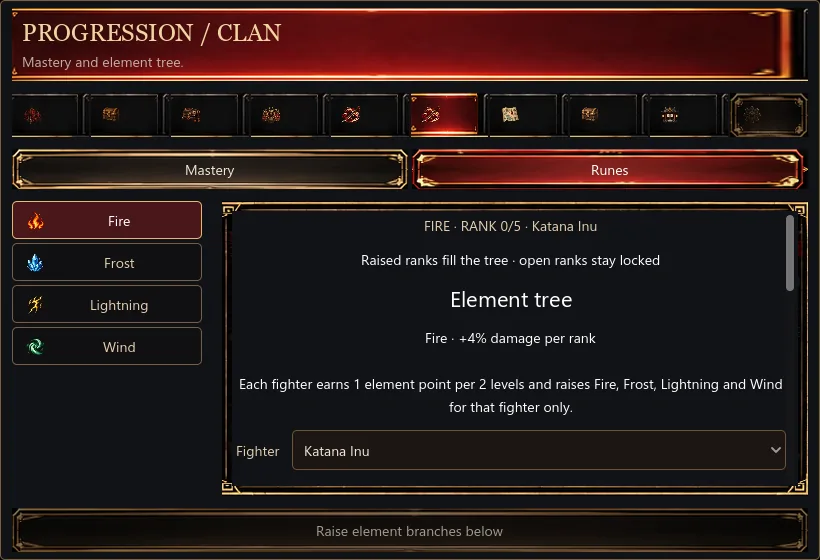
Mastery uses account-wide points earned from fighter level-ups. Runes are per fighter: every two levels earns one element point.
Raise Fire, Frost, Lightning or Wind ranks to apply the listed effect. The right panel shows free points, active synergies and the next rank. Reset refunds that fighter's element points for the shown gold cost.
07 · Map and Journal
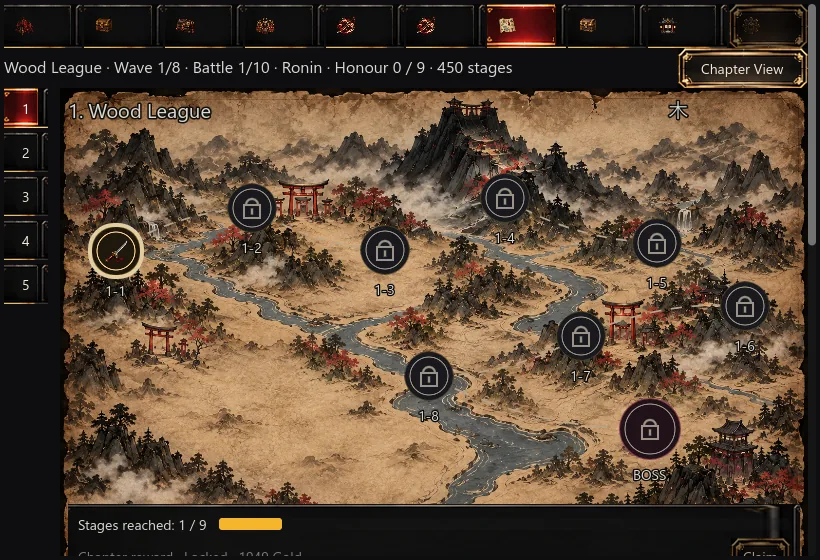
Revisit unlocked stages without losing progress.
08 · Dojo
Five buildings strengthen the whole roster.
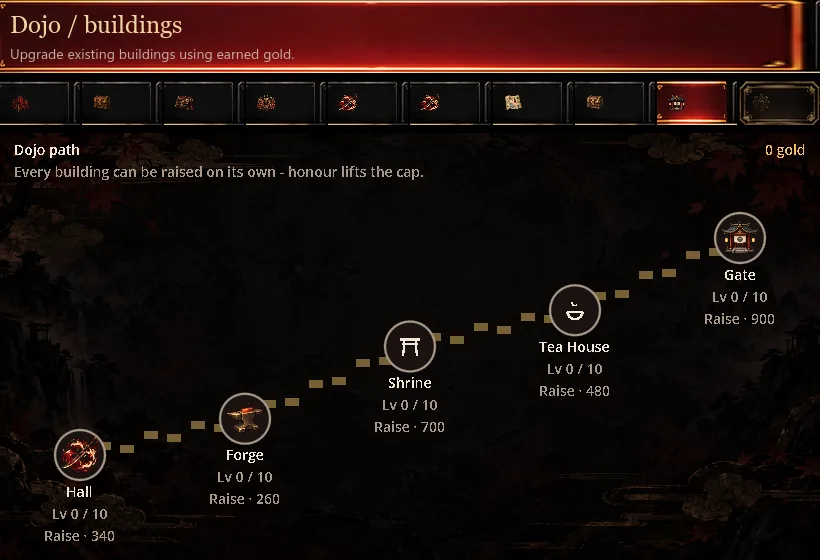
- Forge: damage. Hall: XP. Tea House: health regeneration.
- Shrine: critical chance. Gate: maximum health.
- Each building can be raised independently to level 10. Honour increases the available building cap.
- A fighter whose preferred building matches receives 1.5 times that building's per-level effect.
09 · Workshop
Seven modes, plus Convert inside Salvage.
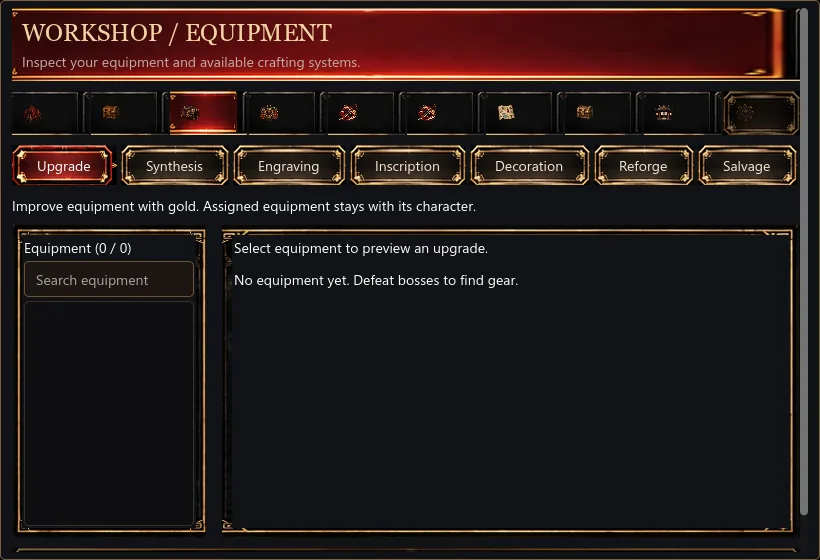
Upgrade
Improve a piece with gold. Assigned equipment stays with its fighter.
Synthesis
Consume three matching, unassigned pieces to create one item of the next grade.
Engraving
Add one Tamahagane-paid effect. A new engraving replaces the old one.
Inscription
Add one effect to an Ancient piece. A new inscription replaces the old one.
Decoration
Insert gems into Master and Ancient sockets. Replacing a gem destroys the old gem.
Reforge
Rerolls all bonus effects on the piece. Cost: 150 × (grade + 1) × (league + 1) gold. Locked pieces and grades without bonus effects cannot be reforged. The item itself stays.
Salvage
Dismantle free, unlocked pieces into Tamahagane. Gems return; engravings and inscriptions are lost.
Convert
Inside Salvage, change the type of a free, unlocked piece. Grade, effects, gems and engraving stay.
10 · Equipment Sets and Market
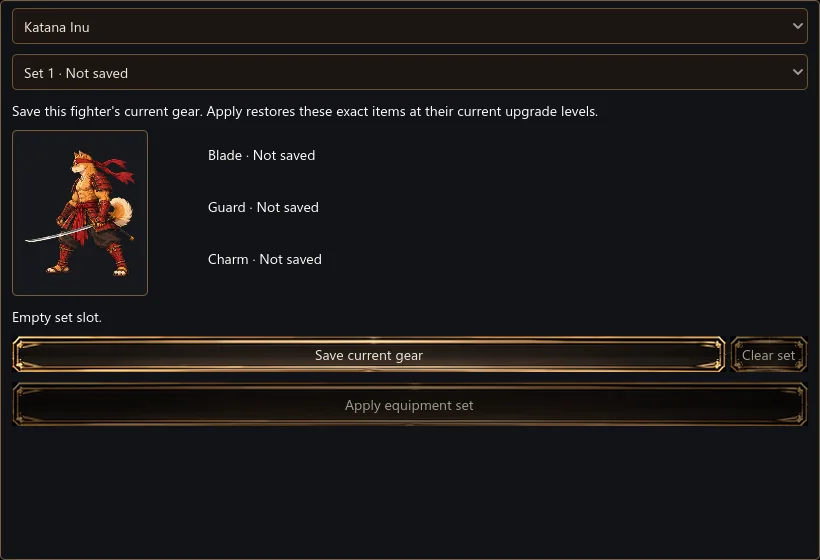
Save loadouts; separate local sales from online trading.
11 · System, music and cosmetics
Control how the strip behaves.
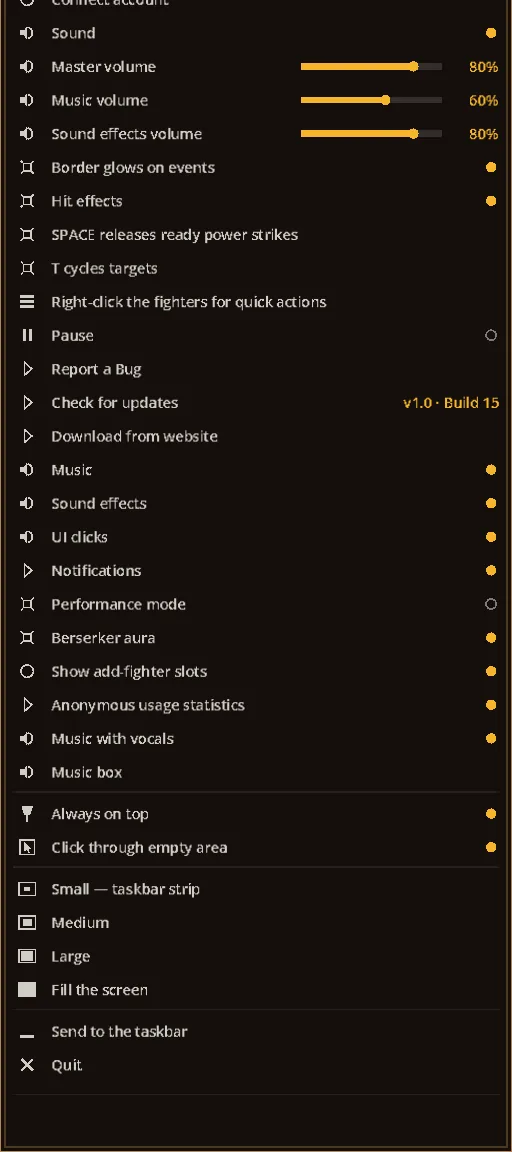
- System / Settings: sound and music levels, sound effects, performance mode, window placement, front-window behaviour, language, update check, bug report and exit.
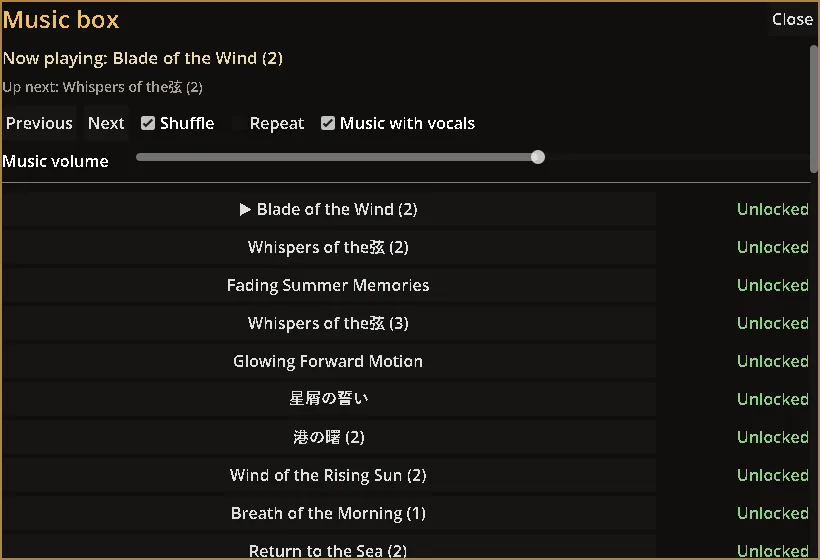
- Music: choose unlocked tracks, see what plays now and what comes next, or mute music in Settings.
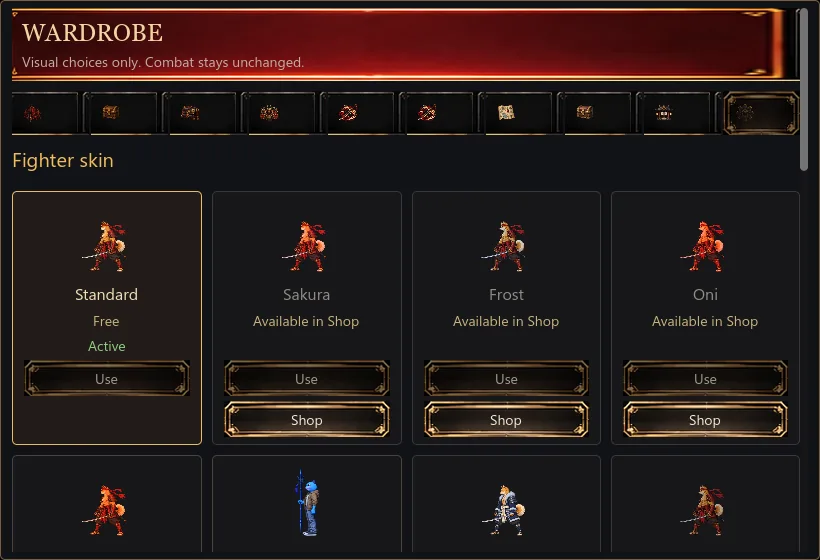
- Cosmetics / Skins: preview owned visual choices and activate them. Locked choices point to their matching package; cosmetics do not change combat stats.
- Holder benefits: account ownership is restored through the Shop. If a benefit is missing, connect the same Katana Inu account and use Restore.